Updated the sBitx to Version 4.4 and…
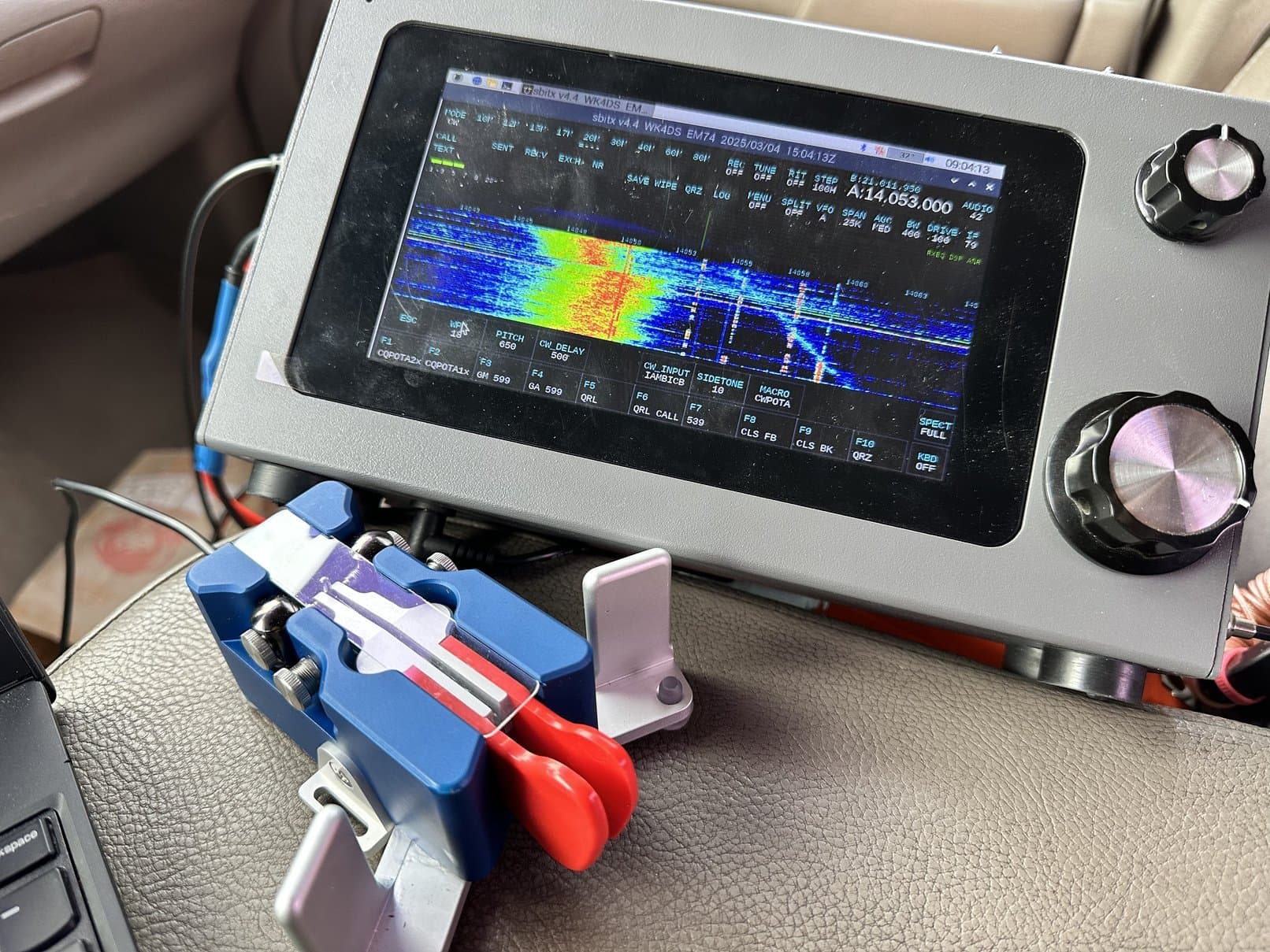
IT IS AWESOME!!!
The new software addressed every item I listed when they asked for input for things to improve the radio further. I had asked for some items specific to how I operate POTA and that would make my life a little easier. But on top of that, they added a whole slew of new features that I dont even fully understand at this point! HaHa
So to celebrate this new radio…essentially…I decided to activate my local park and put it to the test to see if all the things done were the right solves for my needs.
First thing I will mention is something that they did during a recent release that I had really not paid much attention to till today and that is the band stacking register display that they added to each band so you know which one of the 4 band stacking registers you are using at the time (as you can see on the 20 meter band above I am using the 1st register on 20 meters). I dont know who asked for this, but it is pretty cool and it is something I use now that I didn’t know I needed. Some people dont know this but it works with many radios the same way that are SDR machines and maybe some of the older, more high end radios as well if I had to guess. You simply keep hitting the same band button and it will toggle through all four band registers. I set mine so that the first one is CW then FT8 then CW again and then SSB on the 4th one. It is cool how it will remember the settings for each register as well.
Above is how I run the radio now on CW. They changed the settings to where you can essentially turn off the morse decoder window and allow the spectrum to show full screen. This means you can span it the full 25k now and see way more of what is going on around you.
Another thing you will notice right away is the MACRO button on the GTK display. This is something that has been missing since the beginning. It was always in the WEB GUI instead and you would have to open the web GUI and then choose the MACRO you wanted then you could close the web version and go back to the GTK (this one) and it would be there. I asked for a button on this page and they said that I was not the only one to ask for this feature and that it was already in process so now I can load my POTA macros so much easier.
Another thing they did was fix several things with the CW keying and even fixed the part where you had to set the CW DELAY to at least a certain level to get it to work. Now I can use it way under that threshold and have no problems any more.
Another nice thing that got added recently was the S meter that you see on the left side of the screen. That is really cool and it works well too. I use it a lot more than I thought I would just to be honest.
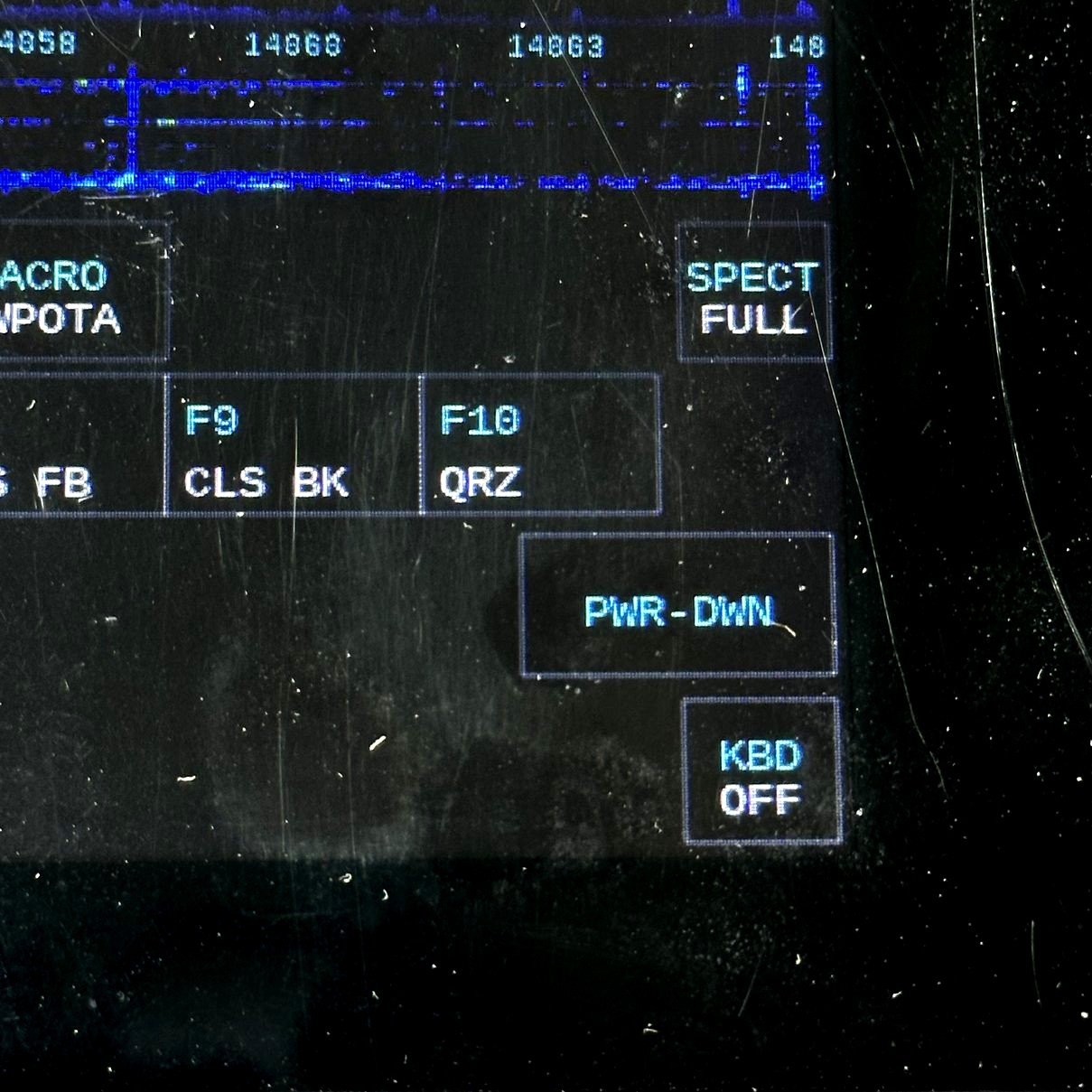
This is how attentive the Dev team is… I don’t know if I am the only one, but I personally asked for a power down button in the menu so I could easily turn the radio off when done. This seems like a small thing, but to be honest, when in the field, the home button then the sub menu then the shutdown button are kinda hard to manipulate. It is possible, but it is hard and I know older ops will have more trouble than me doing it. So they already have a power down button in the toolbox, which works great, but I wanted to shortcut the process to simply hitting the menu button then power down and your done… THEY ADDED THE BUTTON EVEN THOUGH IT WAS PURELY OVERKILL!!! There are already two solid ways to shut down the radio and they still gave me the button! That is pretty cool. This matters as this is a computer with a radio attached and not the other way around so it is important to shut it down properly so it can save certain files prior to power off that it needs to run the system. Don’t skip this step, it matters. I took the advice of another ham on the email reflector and now once I hit the power down button, I count ten seconds before powering off the radio. I have had zero problems too, so I am going to say this procedure works.
Now that I have went on and on about all the updates I like, let’s go activate a park with it and see how it performs IRL…
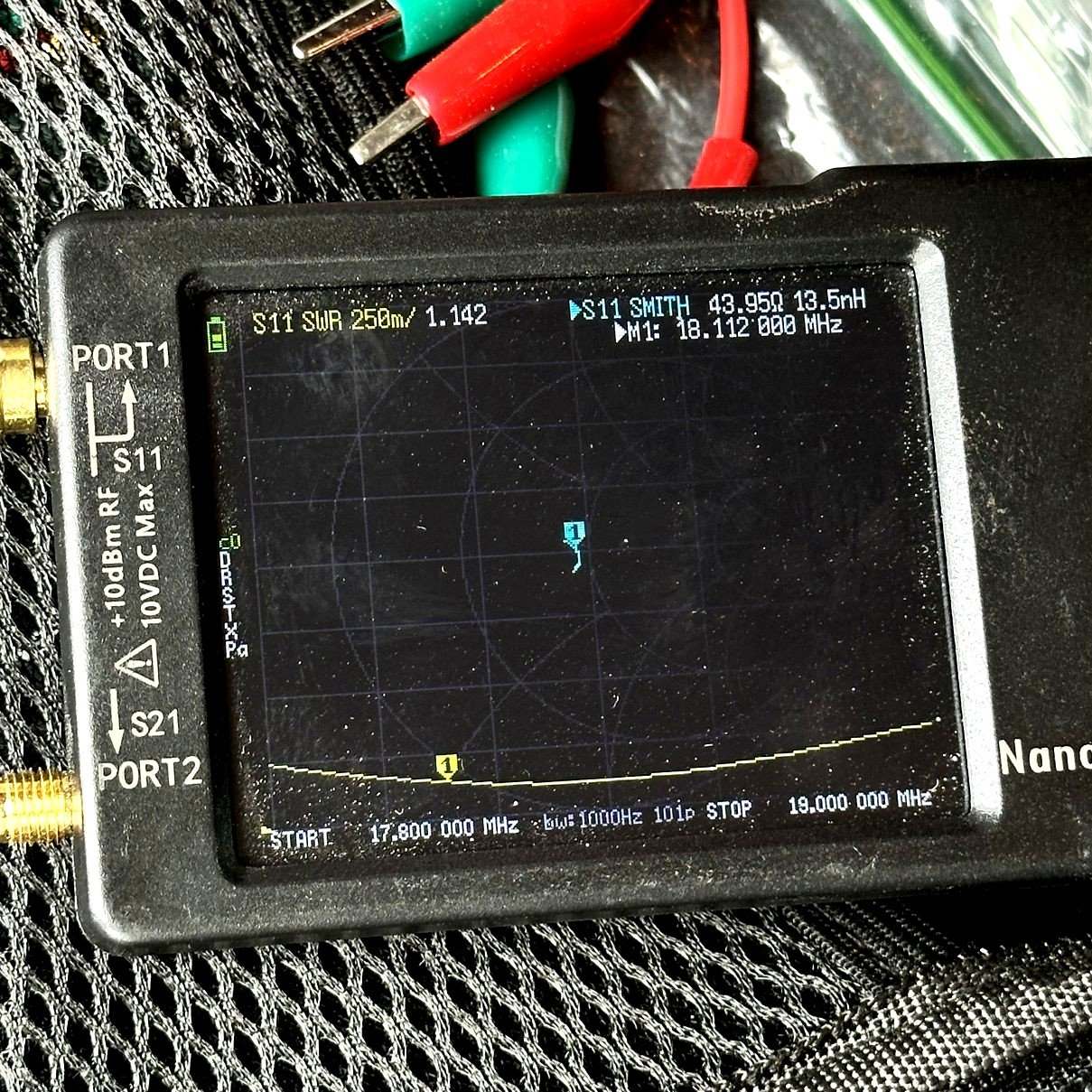
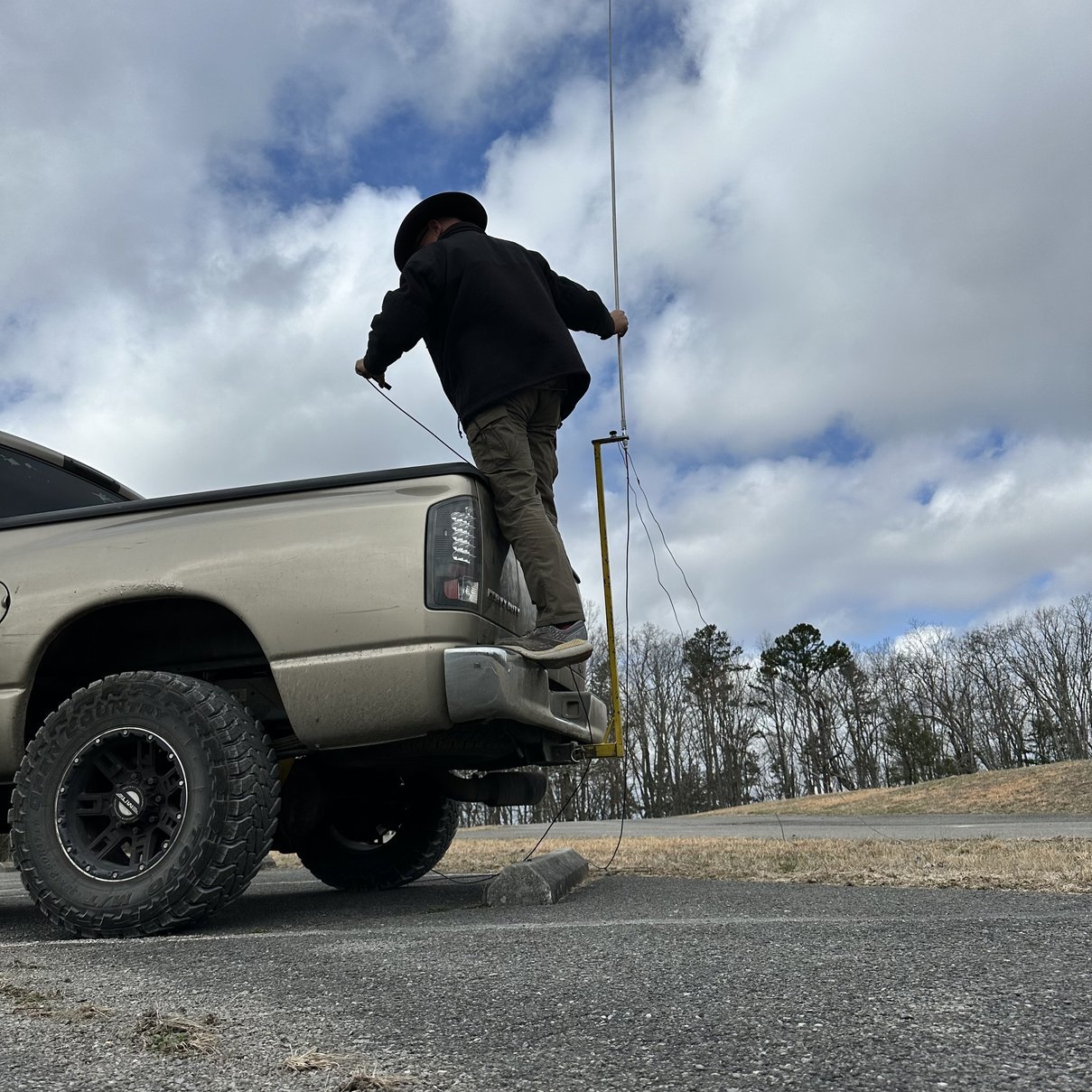
First things one needs is a good antenna… So I deployed my 17’ telescoping vertical from Wolf River Coils and tuned it to 20 meters by collapsing it down till the SWR plot looks good. I use my nanoVNA to do this and today I got to thinking about what the impedance mismatch from the antenna to the coax would be on an antenna like this. This is a thing that a lot of people seem to ignore for some reason. It is also the reason people make the little toroid transformers for the EFHW antennas too. Never the less, antennas with even close impedance differences can benefit from matching networks, so don’t discount checking these kinds of antennas as well. Wire antennas seem to be the most common type of antenna to get this attention, but almost all antennas have a resonant frequency and only one with the rest of the bands being off from this resonant value. Check your antenna and know for yourself, especially if your using QRP power levels…
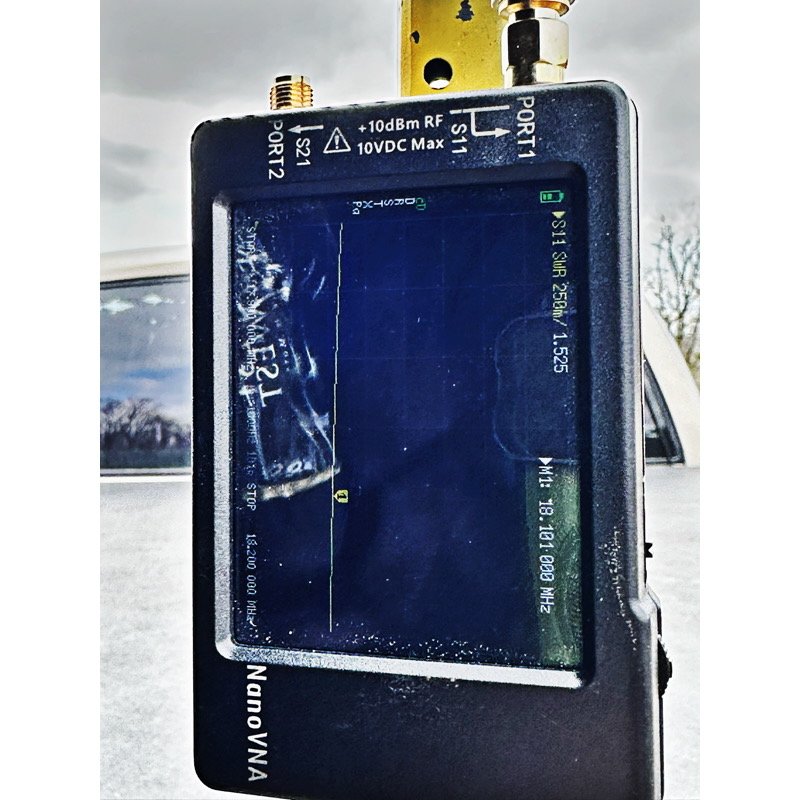
Above is the SWR plot that I came up with using my antenna and The Wire Man coax that I have in the truck. Now remember what I said about checking just the antenna? The plot above is a good example of that idea.
As you will notice below, the number is different with me connecting the nanoVNA to the bottom of the antenna directly and bypassing the coax entirely. With the nanoVNA, things like this are possible, but in days past, a full on vector network analyzer would never be portable enough to do something like this. Anyway, we can see that on 17 meters the SWR plot is 1.525:1 instead of 1.142:1. This is because the coax isnt there to lie to me about what is actually going on with the antenna. If I had been thinking when I did this test, and not been in a hurry, I would have loaded up the smith chart like in the first photo and I would have known things like, if it is capacitive or inductive, or is the impedance less than 50 or more than 50 ohms? This is why the smith chart is so valuable. I am going to figure out how to default my nanoVNA to boot up and show the smith chart and the SWR plot upon power on every time. This is what I use for most of my ham radio activities using this tool so it makes sense for it to do that.
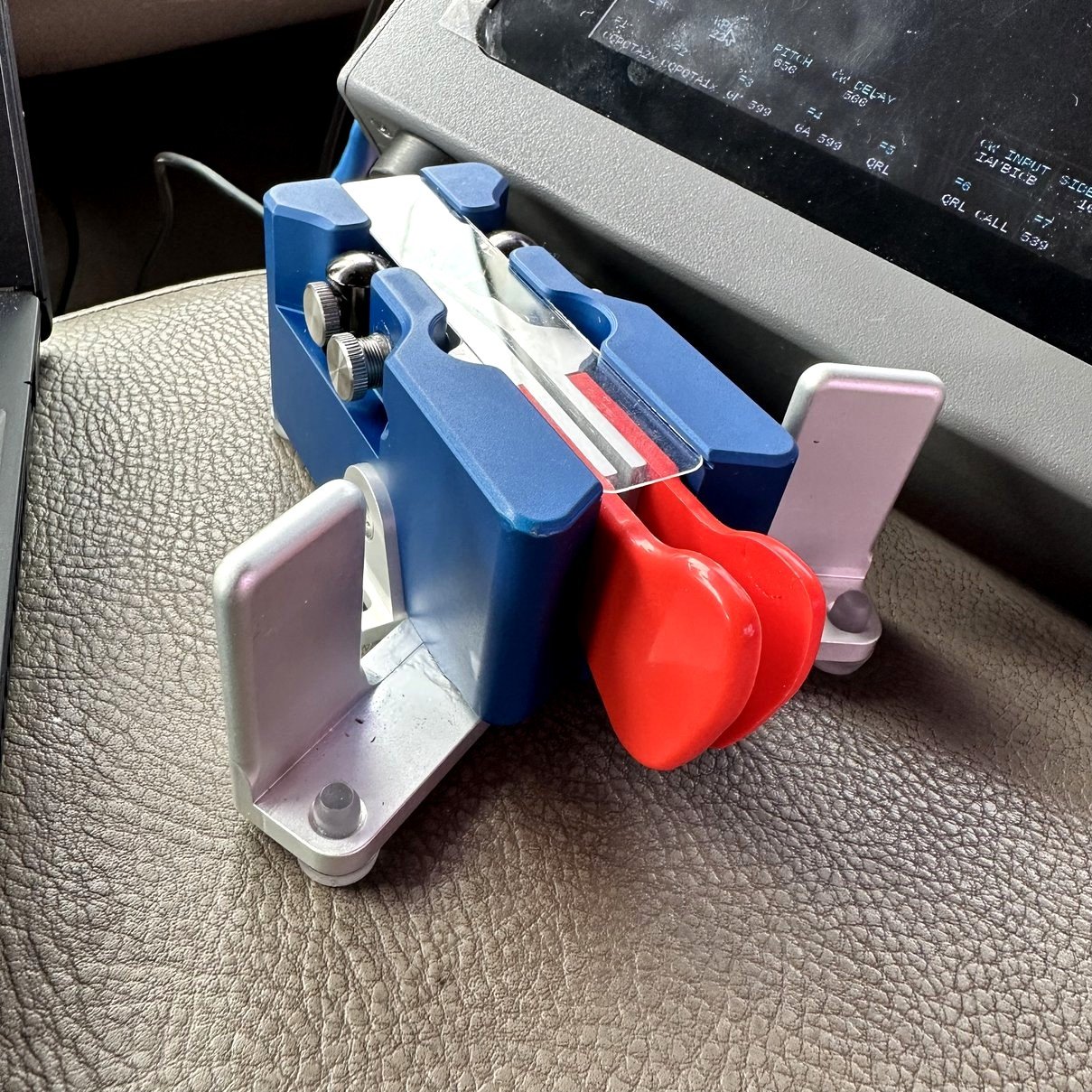
Well, for the momentous event, I wanted to bring my new Begali Traveler CW key and use it today. I really like this key as it sits still on the armrest. So once I had the antenna up and the radio booted with the key plugged in, I then set out to getting on 20 meters and finding some stations to hunt before I started calling CQ on a frequency myself. I love to hunt almost as much as I love to activate so I now hunt a few prior to spotting myself on the POTA site. Take some time for yourself here and have some fun, I normally dont even tell them I am at a park, but just work them and move on. They still get park to park credit once both logs are uploaded anyway so it saves time and keeps their activation moving.
Once I finished hunting around, I did all the usual stuff to determine the frequency wasn’t in use and started calling. It didn’t take long to get a small pileup going and have a ton of fun. I really like this key as well as my N3ZN paddle for field use, they both work really well and are a joy to use.

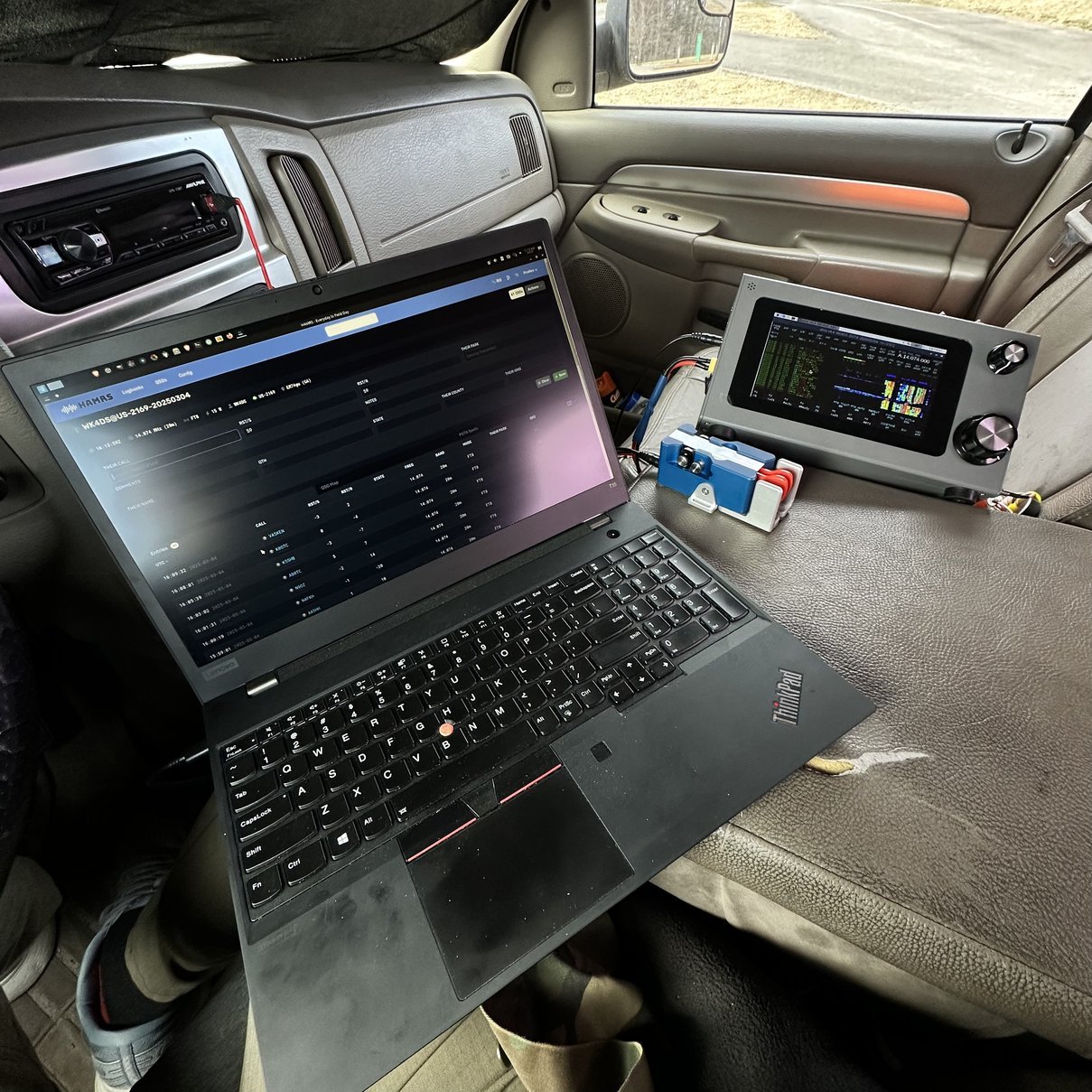
While I was there, a weather system started to move in and I started to get concerned about lightening, but it never materialized past a little wind and some cloud cover so I got all worried over nothing it seems… I always take a cup of coffee with me and today it was courtesy of Wendy’s (which I prefer over McDonalds BTW). I kinda like it when it is overcast as it keeps the heat down in the truck and doesn’t make it almost impossible to see what is going on with the gear. Sun glare is a very real problem in POTA as these radios are not really made to be in the sun or to have bright light around them, in any way, from what I can tell.
Just something to consider when you deploy to a park, make sure you can see the radio when your operating… I have made sunshades out of all sorts of nonsense, remember to just get creative. As long as you can set something up to allow you to see the radio, you have good idea.

The station today was kinda cramped but at the same time it was also much neater without the paper notebook and the pencil and all the other junk I normally have laying about on the armrest. With the station only having the computer, key and radio, things were really easy compared to my pen and paper activations. Once you get used to computer logging in the field, it really is easier and faster in the long run. Will I stop paper logging in the field? No. I still prefer it actually as I don’t have a hard copy record of the activation without printing the ADIf file…I guess it is something I could do come to think of it. Anyway, that is why there is no log at the end of this blog post, I didn’t print it out so it is not easily available. I did make quite a few contacts on 20 then 17 meters. I worked both CW as well as FT8 on both bands as well and had a great time with the sBitx. It works really well now and I look forward to using it for a long time to come at parks near and far.
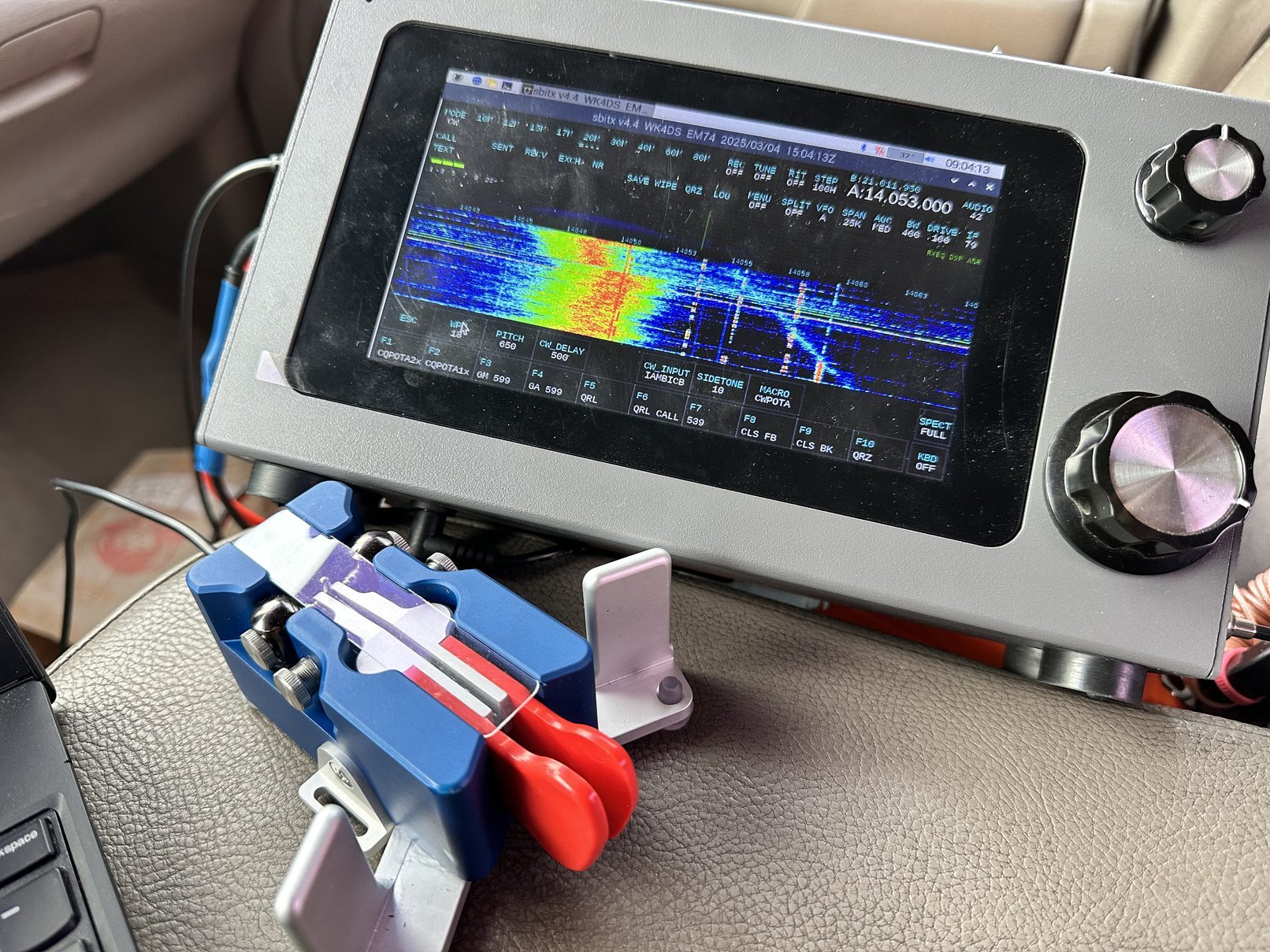
Now that the CW keying issues seem to be resolved, I expect this radio to show up at many activations in the coming years so get used to seeing it as you will if you read these blog posts.
73
WK4DS
sbitxcwft8potaham radiosdrraspberry pi 4cw keylaptop computercomputercomputer logging